Rich Content Formatting
JSON Viewer Macro
JSON Viewer Macro
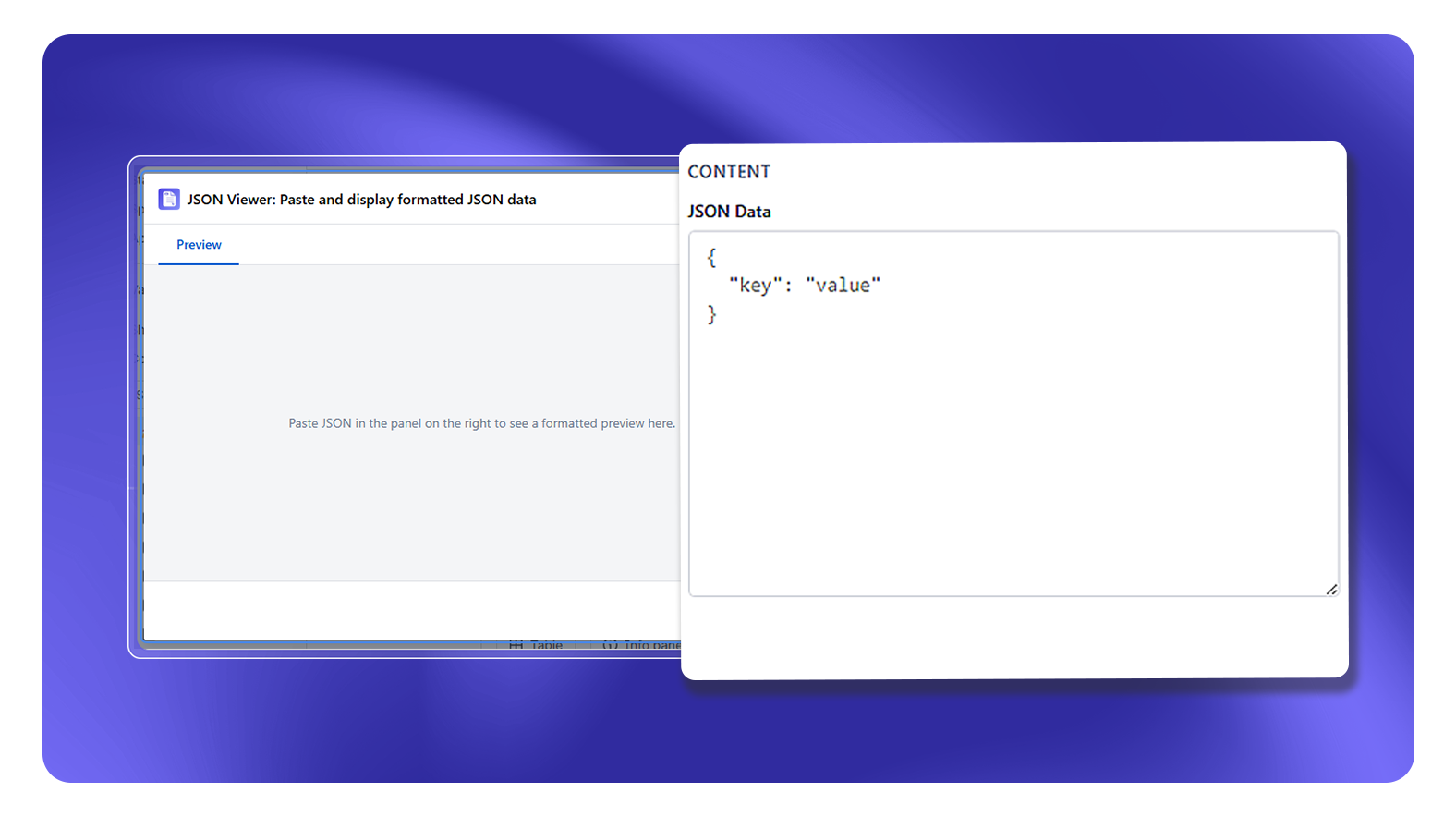
What It Does
The JSON Viewer macro renders a block of JSON data in a formatted, syntax-highlighted, collapsible tree view. Use it to display API responses, configuration examples, or data samples without requiring readers to parse raw JSON.
How It Works
- Insert the JSON Viewer macro
- Paste your JSON into the macro body
- The macro validates the JSON and renders it as a collapsible tree
- Readers can expand/collapse objects and arrays interactively
- Syntax highlighting distinguishes keys, strings, numbers, booleans, and null values
Viewer Features
- Collapsible nodes: Click any object or array to collapse/expand it
- Syntax highlighting: Color-coded by value type
- Line numbers: Optional line number display
- Copy button: Copies the raw JSON to clipboard
Limitations
- JSON must be valid - the macro displays an error if the JSON is malformed
- Large JSON payloads (>500KB) may affect page load performance
- JSON is stored as page content - do not paste JSON containing sensitive data (API keys, passwords)
Common Use Cases
- API documentation showing request/response examples
- Configuration file documentation
- Data schema examples for developer documentation
- Webhook payload examples