Rich Content Formatting
Footnotes Macro
Footnotes Macro
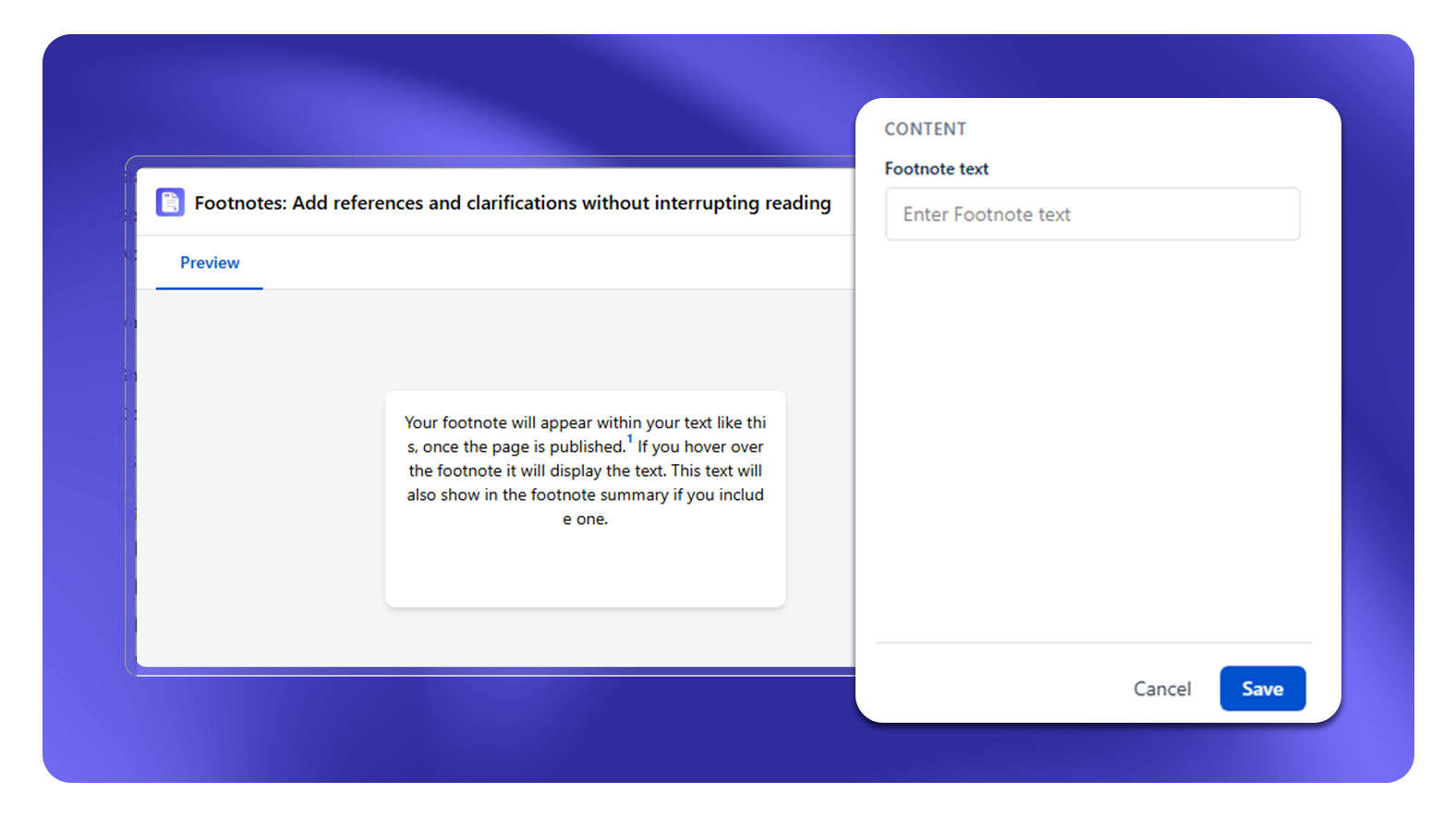
What It Does
The Footnotes macro inserts superscript reference numbers inline with text, and collects the corresponding footnote definitions at the bottom of the section (or page). Think of it as academic citation style for Confluence pages.
Setup (Two-Part)
Part 1 - Inline Footnote Reference
Insert Footnote macro at the point in the text where the reference number should appear. Type the footnote definition inside the macro.
Part 2 - Footnote Summary
Insert Footnote Summary macro at the bottom of the section or page. This renders the numbered list of all footnote definitions.
Scope Rules
- Footnote numbers reset to 1 at each Footnote Summary macro
- If you use tabs, footnotes inside a tab share numbering with the current page scope
- For multi-tab pages, place one Footnote Summary macro at the bottom of each tab if you want tab-scoped numbering, or one Footnote List at the bottom of the page for page-wide numbering
Limitations
- Footnote content is plain text only - no links or macros inside footnote definitions
- Footnotes are not auto-sorted - they appear in the order they are inserted on the page
Use Cases
- Legal and compliance documents with citation requirements
- Research summaries referencing source material
- Technical docs with versioning notes
- Policy pages with exception notes