Rich Content Formatting
Countdown Timer Macro
Countdown Timer Macro
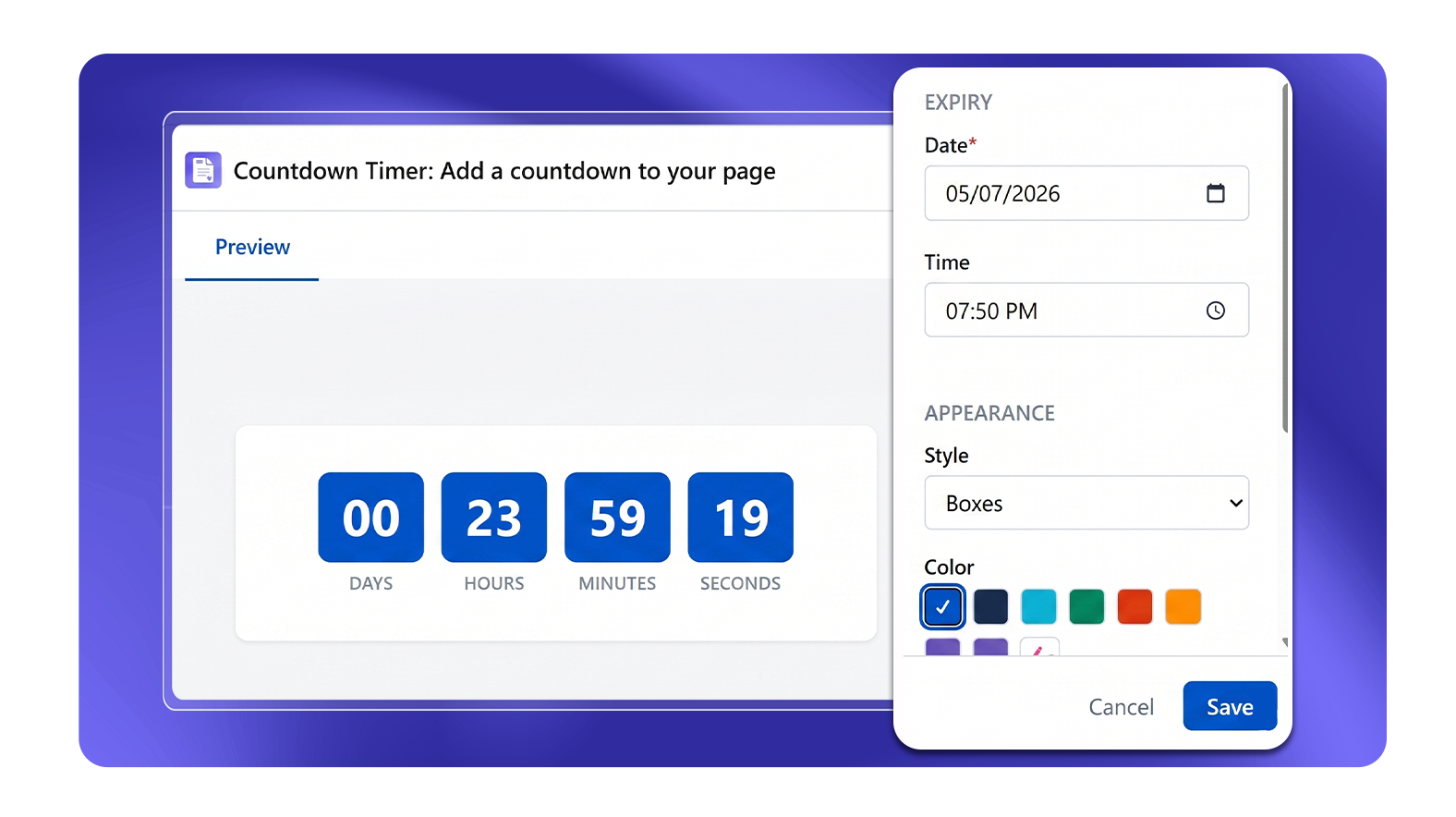
What It Does
The Countdown Timer macro displays a live countdown to a specific date and time. The timer updates in real time as the page is viewed.
Configuration Options
| Setting | Description |
|---|---|
| Date | Target expiry date (required, must be today or future) |
| Time | Target expiry time (optional) |
| Style | Boxes, Circles, or Gauges |
| Color | Color picker for the timer elements |
| Font size | Slider from 25–60px |
| Show labels | Toggle to show or hide "Days", "Hours", "Minutes", "Seconds" labels |
| Label text | Customizable label text for each unit (when Show labels is on) |
Display Styles
Boxes
Countdown units displayed in individual rectangular boxes for days, hours, minutes, and seconds.
Circles
Countdown units displayed with circular progress rings for each time unit.
Gauges
Countdown units shown as arc gauge indicators for each time unit.
Common Use Cases
- Conference registration deadlines
- Product launch dates
- Sprint end countdowns on a team home page
- Promotion or discount expiry dates on internal sale pages