Rich Content Formatting
Interactive Banner Macro
Interactive Banner Macro
What It Does
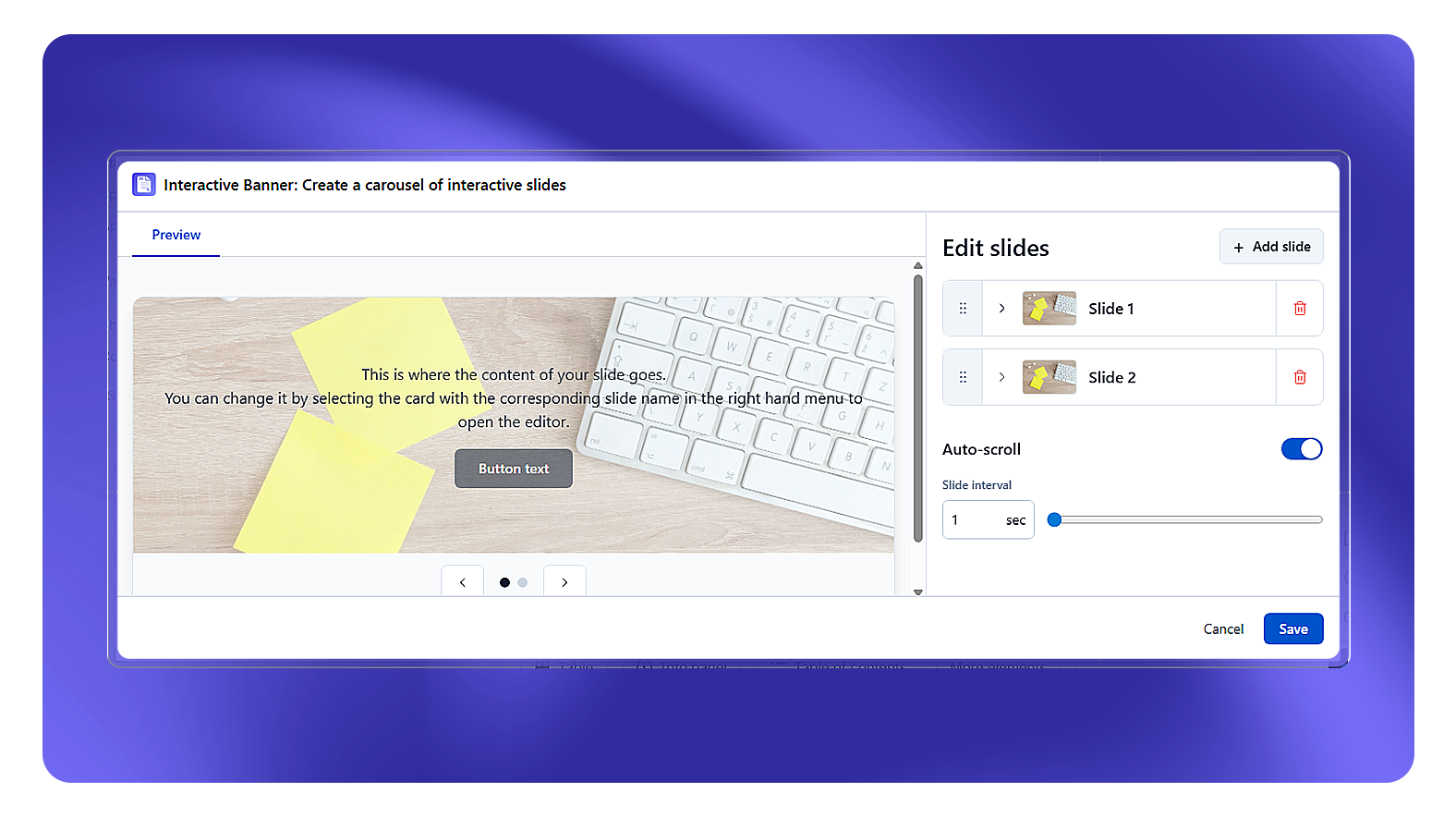
The Interactive Banner macro creates a full-width announcement or hero banner at the top (or anywhere) of a Confluence page. Banners support background images or colors, a headline, subtitle, and call-to-action buttons.
Configuration Options
The banner supports multiple slides, each configured independently:
| Setting | Description |
|---|---|
| Slide components | Toggle which elements appear: Title, Body, Button |
| Title | Main heading text for this slide (max 50 characters) |
| Title text color | Color picker for the title text |
| Body | Secondary text below the title (max 250 characters) |
| Body text color | Color picker for the body text |
| Background image | Upload a Confluence attachment or use a stock image |
| Overlay mode / opacity | Dark overlay on the background image for text readability |
| Button text | Label for the call-to-action button |
| Button destination | Link to a Confluence page (search) or external URL |
| Open in new tab | Yes / No |
| Button background color | Color picker for the button |
| Button text color | Color picker for the button label |
Common Use Cases
- Space home announcements: "Q3 Planning starts this week - see the schedule"
- Event banners: Conference, all-hands, or product launch announcements
- Onboarding welcome: Welcome message at the top of a new-hire onboarding space
- Status banners: "This space is archived" or "Documentation is being updated"
Combining with Countdown Timer
Place a Countdown Timer macro inside the banner subtitle area for a live event countdown embedded in the announcement.
Mobile Rendering
On mobile, the banner height is automatically reduced and text size adjusts. Background images scale to cover the banner area.