Rich Content Formatting
Background Macro
Background Macro
What It Does
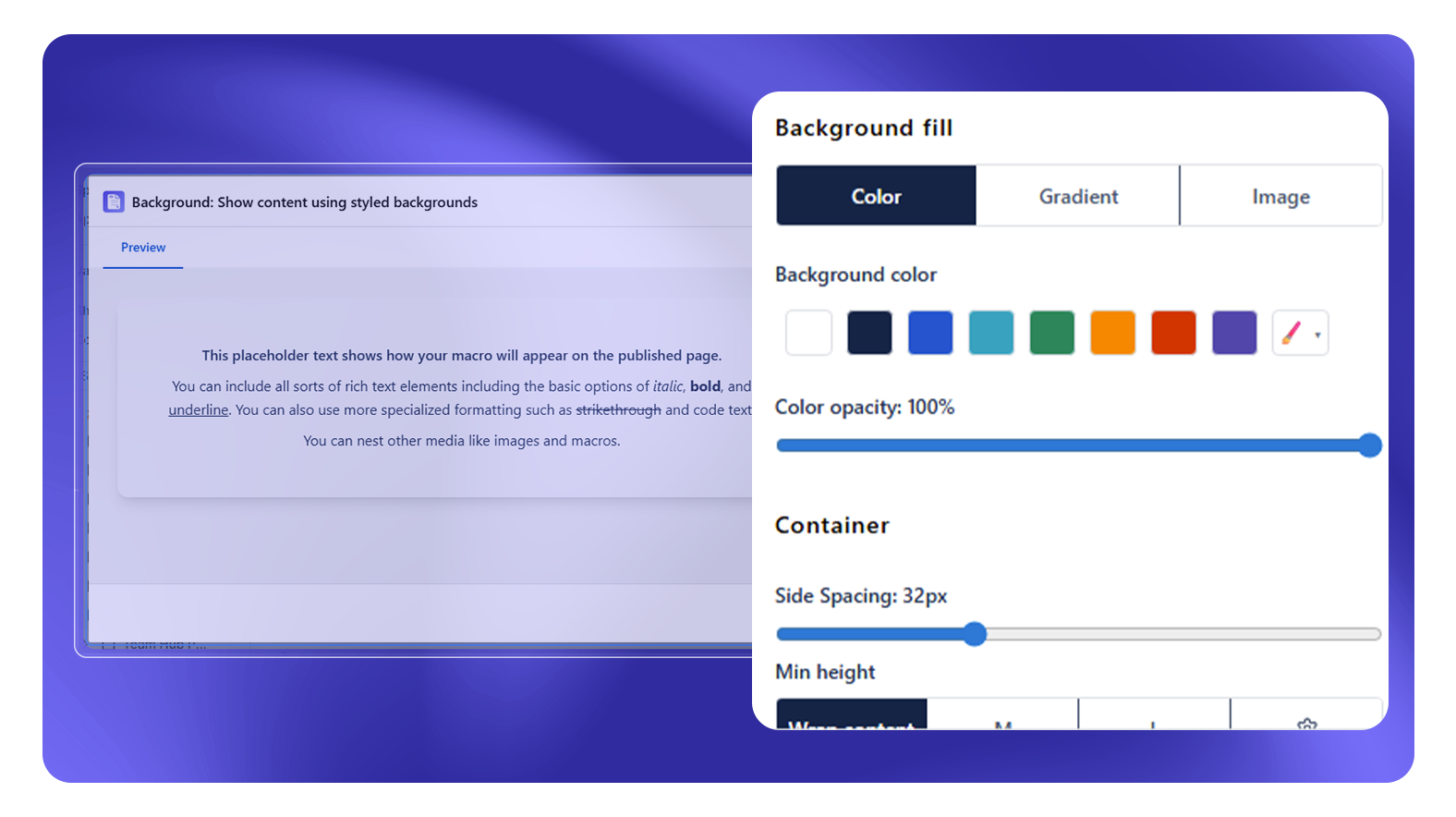
The Background macro applies a background color, gradient, or image to any section of a Confluence page. Use it to visually separate content zones, highlight important sections, or create a branded look.
Configuration Options
| Setting | Options | Notes |
|---|---|---|
| Background Type | Color, Gradient, Image | |
| Color | Color picker or hex value | For Color type |
| Opacity | Slider | For Color type |
| Gradient | Start color, end color, direction | For Gradient type |
| Image | Upload Confluence attachment or stock image | For Image type |
| Image size | Cover, Contain, Auto | For Image type |
| Image position | Top, Center, Bottom etc. | For Image type |
| Image opacity | Slider | For Image type |
| Overlay color + opacity | Color picker + slider | Semi-transparent overlay over background image |
| Content padding | Slider | Inner padding around content |
| Min height | Preset or custom pixel value | Optional minimum height |
| Border radius | Slider (pixels) | Rounded corners |
| Alignment (X / Y) | Left/Center/Right, Top/Center/Bottom | Content alignment inside the container |
| Text color | Color picker or hex value | Ensures text readability on dark backgrounds |
Usage Notes
- Content inside the Background macro is fully editable - insert any Confluence content or other macros inside it
- Images can be uploaded directly as Confluence attachments from the macro config panel - no external hosting required
- Use the overlay feature to add a dark or colored semi-transparent layer over background images for better text contrast
Common Patterns
Section separator: Use alternating white and light-gray Background macros to visually separate major page sections without borders.
Announcement zone: Blue background macro at the top of a space home page for team announcements.
Warning zone: Light-yellow background wrapping a critical process step that requires extra attention.